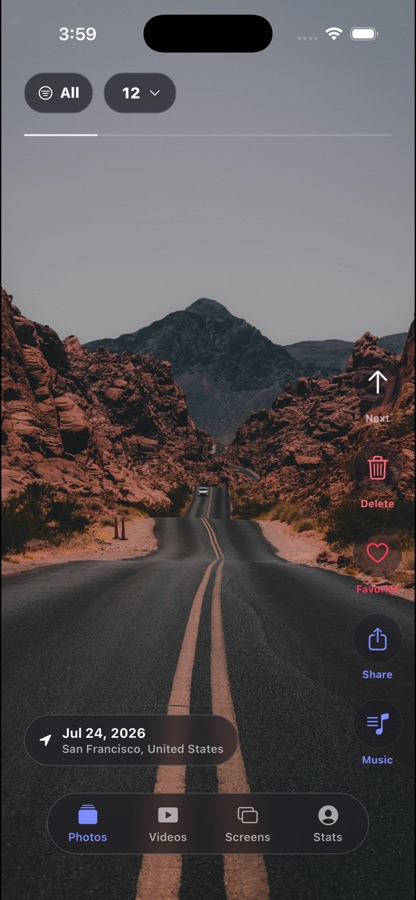
Enter a focused batch
Start with a small, shuffled set rather than an endless library. It is easy to begin and satisfying to finish.
Photo cleanup, without the pressure
Drift turns photo cleanup into a calm, full-screen ritual. Swipe through your own memories, save the ones you love, and decide on deletions only when you are ready.
Your photos stay on your device. No account. No uploads.
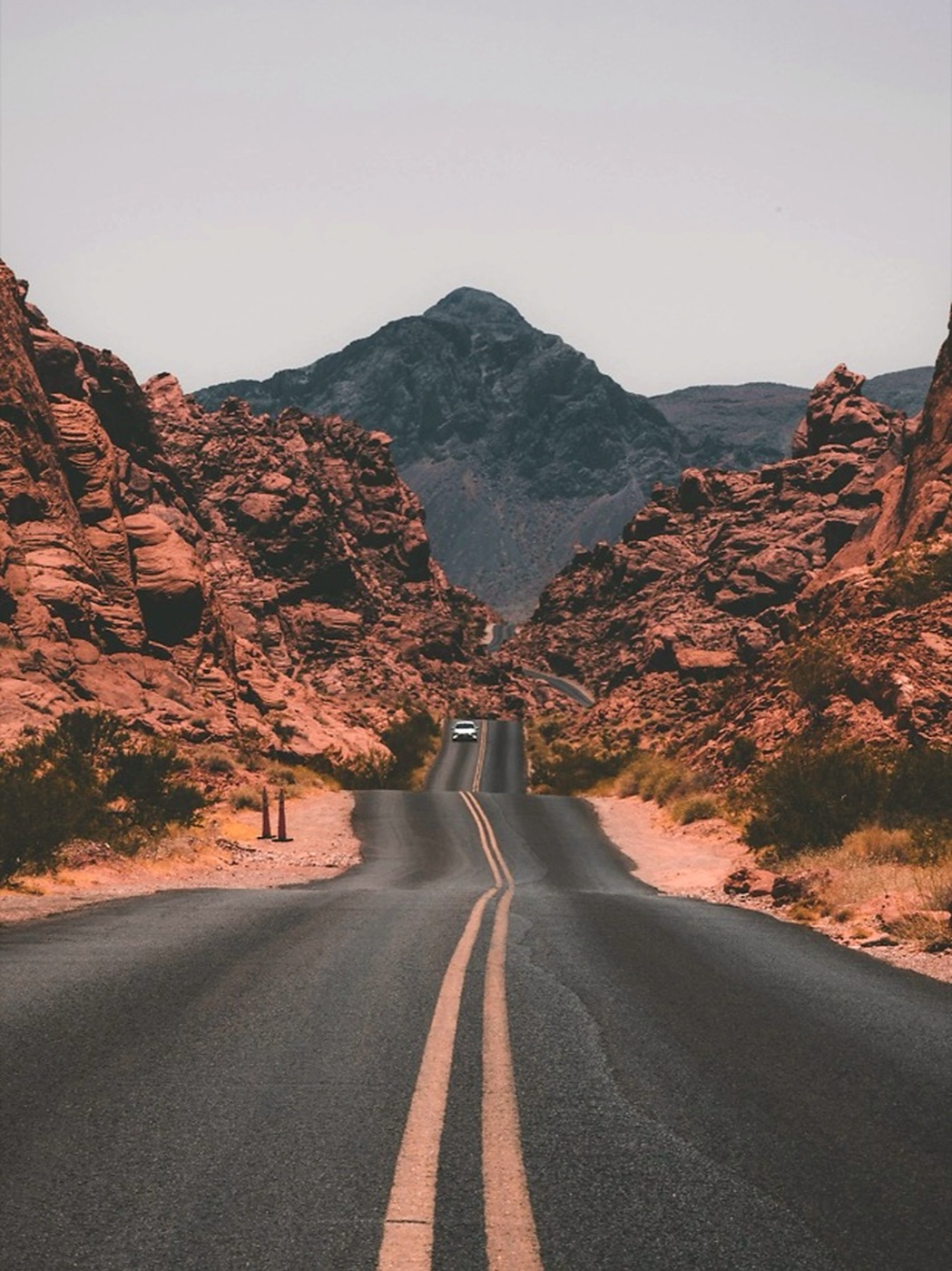
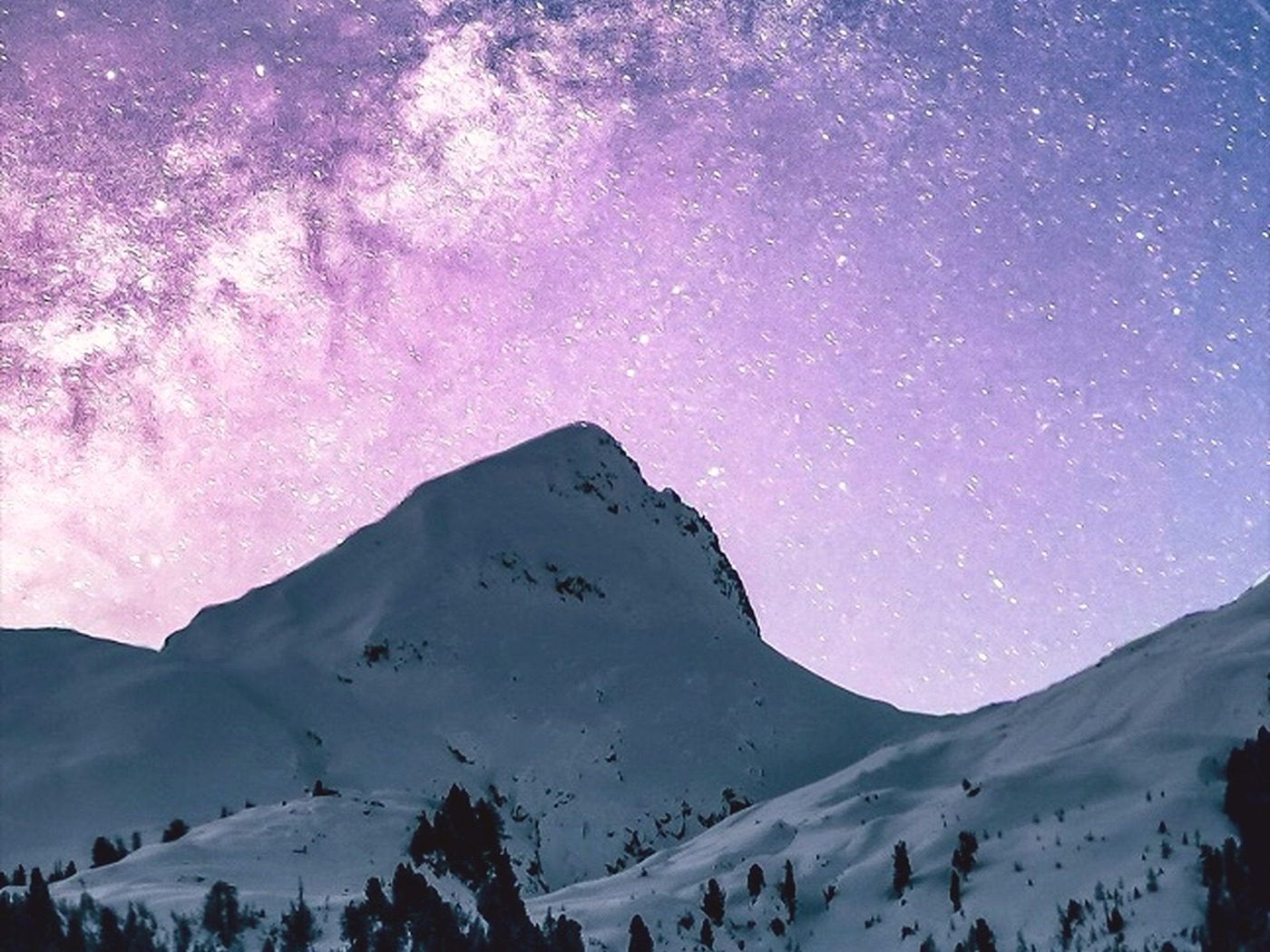
Real moments
Drift is built around your own library, not stock imagery. The same care goes into every screen — and into the quiet of a camera roll you finally feel good about.

The Drift flow
There is no noisy dashboard, no complicated sort system, and no irreversible swipe. Just a clear decision, one memory at a time.
Start with a small, shuffled set rather than an endless library. It is easy to begin and satisfying to finish.
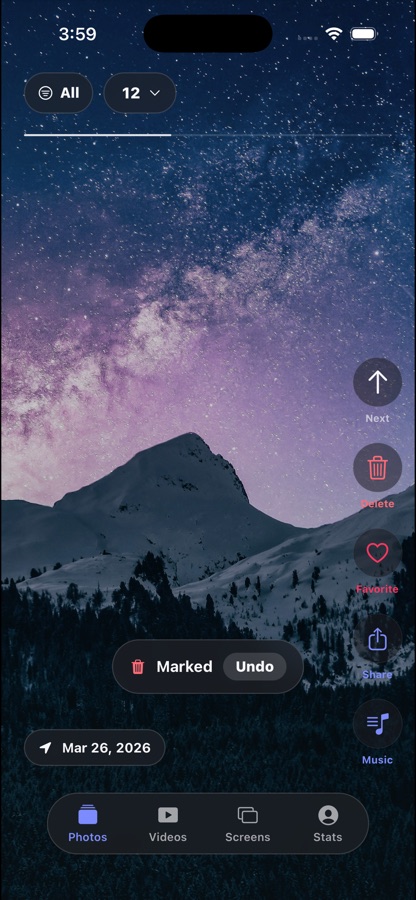
Keep moving, mark delete picks, or double tap to favorite a memory. The gestures stay out of the way of the photo.
Drift gathers your delete picks first, then lets you review them before iOS asks for final confirmation.
Built around your memories
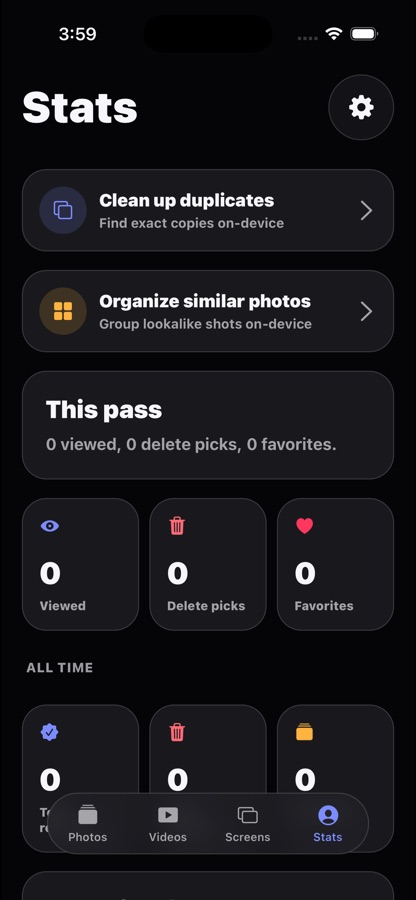
Drift keeps the essential controls close, turns progress into a visible ritual, and makes room for the memories that deserve to stay.
Questions
Straight answers before you install.
No. Drift reads the media already in your iPhone photo library and handles every decision on-device. Nothing leaves your phone.
Deletes are collected as picks first and only confirmed after a review screen — then iOS asks for final approval before anything is removed.
No account and no sign-up. Drift stays local-first, so setup takes seconds.
A free tier covers daily passes; Drift Pro unlocks more passes per day for larger libraries. No ads, ever.
Private by design
Drift works with the media already in your iPhone photo library. It does not require an account, does not upload your photos, and does not run ads or third-party tracking.
Download Drift